





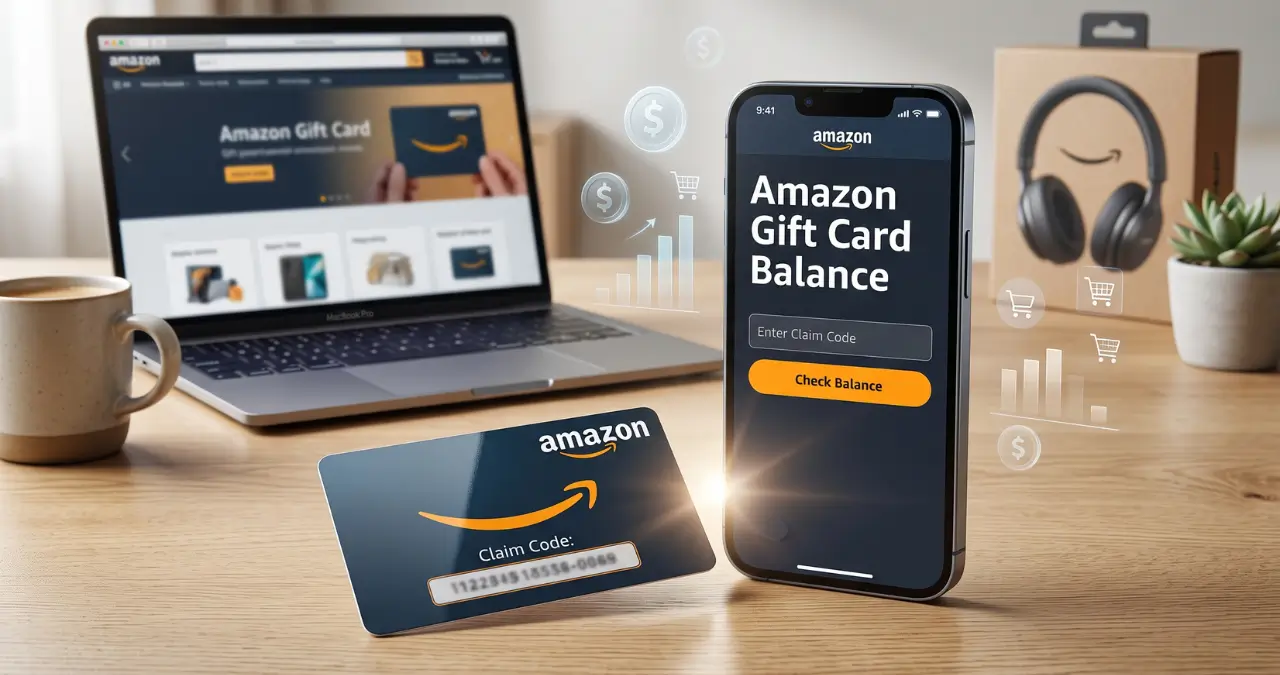
Your Amazon gift card balance shows how much credit is available in your Amazon account for eligible purchases. Checking it is simple, and you can also review your gift card transactions to see when credit was added or spent.
Whether you received a gift card as a present, bought one yourself, or received promotional credit, knowing how to check and use the balance can help you avoid payment problems. This guide explains how to check your balance, redeem a new card, use gift card credit at checkout, understand country restrictions, and troubleshoot common issues.
How to Check Your Amazon Gift Card Balance
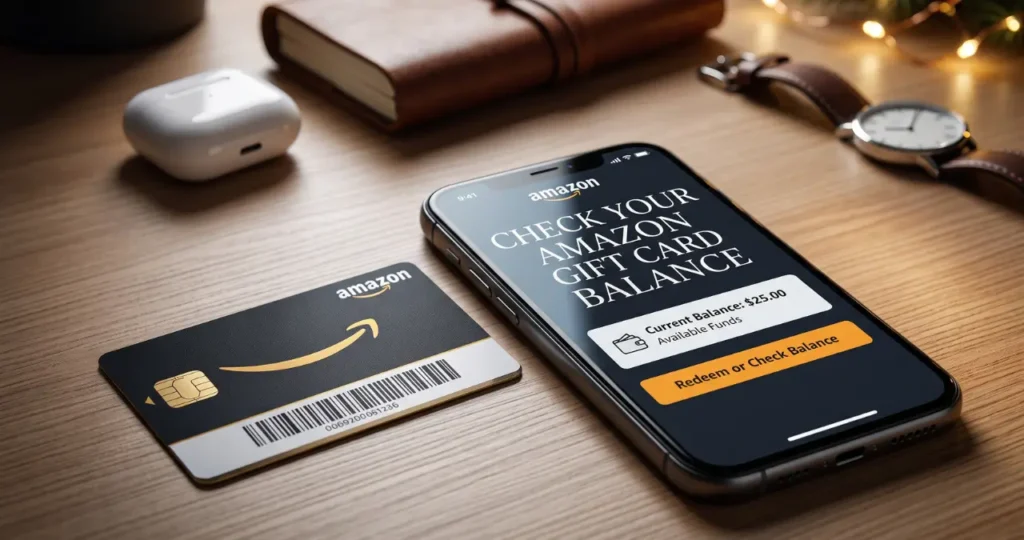
The easiest way to check your Amazon gift card balance is through your Amazon account. On Amazon, go to Your Account, open the Gift Cards section, and view your available balance. Amazon’s help information confirms that customers can also review balance changes and transaction details from the balance page.
Check Your Balance on Amazon
The exact layout can vary slightly between the Amazon website and mobile app, but the basic process is:
- Sign in to your Amazon account.
- Open Your Account.
- Select Gift Cards or the gift card balance section.
- View your available balance.
- Open the transaction history if you want to see previous activity.
For Amazon.co.uk customers, Amazon specifically directs customers to Your Account → Gift cards to check their balance.
If you have already redeemed a gift card, you normally do not need to enter the claim code again. The credit is stored with your Amazon account and can be used for eligible purchases.
Can You Check a Gift Card Without Redeeming It?
It depends on the type of card and what information you have. If a physical Amazon.co.uk gift card does not show its value, Amazon says you can check the related order in Your Orders and compare the card’s 16-digit serial number with the serial number shown in the order details.
For security, avoid sharing an unused gift card’s claim code with another person just to check its value.
How to Redeem an Amazon Gift Card
Redeeming an Amazon gift card adds its value to the appropriate Amazon account balance. Once redeemed, the credit can generally be used toward eligible purchases on the corresponding Amazon marketplace.
To redeem a card:
- Sign in to your Amazon account.
- Go to the Gift Cards section.
- Choose the option to Redeem a Gift Card.
- Enter the gift card claim code.
- Submit the code.
- Check your updated balance.
The claim code is usually found on the back of a physical card or in the email containing a digital gift card.
What Happens After You Redeem It?
Once the gift card is successfully redeemed, its value becomes available as account credit. You can then apply that credit toward eligible purchases.
For example, if your account has a $50 gift card balance and you make an eligible $35 purchase, the remaining $15 stays available for future eligible purchases.
If your purchase costs more than your available balance, you can generally use another eligible payment method for the remaining amount. Amazon’s UK terms explicitly state that when an order exceeds the gift card balance, the remaining amount must be paid using another payment method.
How to Use Your Amazon Gift Card Balance
Your Amazon gift card balance is primarily designed to pay for eligible purchases on the relevant Amazon marketplace. It is not the same as money in a bank account and cannot automatically be transferred to your debit card or bank account.
At checkout, Amazon may automatically apply available gift card credit to an eligible order. If the balance does not cover the entire purchase, another eligible payment method can be used for the difference.
For example:
Gift card balance: $40
Order total: $65
Remaining amount: $25
In this situation, the $40 gift card credit can cover part of the order, with the remaining $25 paid using another available payment method.
Amazon also supports gift card balances for certain services in specific markets. For example, Amazon states that customers in the United States and U.S. territories can use Amazon.com gift card balances for eligible Prime Video add-on subscriptions.
Can You Use Amazon Gift Cards on Amazon Pay?
No, an Amazon gift card is not a general-purpose payment method for third-party merchants using Amazon Pay.
Amazon’s Amazon Pay documentation says Amazon.com Gift Cards cannot be used to pay third-party merchants through Amazon Pay. They are intended for eligible purchases on Amazon.com and certain related services or sites allowed under the applicable gift card terms.
This distinction is important because Amazon.com and Amazon Pay are different payment environments.
Can You Transfer an Amazon Gift Card Balance?
Generally, you should not expect to transfer an already-redeemed gift card balance from one Amazon account to another. Amazon’s UK gift card terms explicitly state that unused gift card balances in an Amazon.co.uk account cannot be transferred to another Amazon.co.uk account.
This is one reason to be careful when redeeming a gift card. Make sure you are signed into the correct Amazon account before applying the code.
The same principle also means that you should not treat gift card credit like cash that can simply be moved between accounts.
Can You Convert Amazon Gift Card Balance to Cash?
Amazon gift card balances are generally not designed to be withdrawn as cash. Amazon’s terms restrict gift cards from being redeemed for cash except where applicable law requires otherwise.
Be particularly cautious about websites or individuals claiming they can instantly convert your gift card balance into cash. Such offers can expose you to fraud or loss of the gift card value.
Amazon Gift Card Balance: US vs. UK
One important point is that Amazon gift cards are marketplace-specific. A gift card intended for Amazon.co.uk is not automatically interchangeable with an Amazon.com gift card.
Amazon.co.uk’s terms state that its gift cards can be redeemed toward eligible products on Amazon.co.uk and cannot generally be redeemed on Amazon.com or other Amazon country websites.
This matters if you live in the UK but receive a gift card intended for the US marketplace, or vice versa.
| Feature | Amazon.com | Amazon.co.uk |
|---|---|---|
| Marketplace | United States | United Kingdom |
| Balance currency | USD | GBP |
| Redeem on corresponding marketplace | Yes | Yes |
| Transfer redeemed balance | Generally restricted | Restricted |
| Cash redemption | Generally restricted | Restricted |
| Use on Amazon Pay third-party merchants | No | No |
| Country restrictions | Apply | Apply |
Always check the terms for the specific marketplace where the gift card was issued.
Do Amazon Gift Cards Expire?
Expiration rules depend on the Amazon marketplace and the type of gift card.
For Amazon.co.uk, Amazon currently states that gift cards issued on or after July 1, 2013 can be redeemed for eligible purchases for up to 10 years from the date of issuance. Amazon also states that unused balances are subject to the applicable gift card terms.
US customers should check the current Amazon.com gift card terms associated with their card rather than assuming that UK rules apply.
The safest approach is to identify the marketplace where the gift card was issued and review its current terms before relying on an old card.
What If Your Amazon Gift Card Balance Is Not Showing?
A missing or unexpected balance does not always mean that the gift card has been lost. First, confirm that you are signed into the same Amazon account where the card was redeemed.
Then check your gift card transaction history. Amazon’s UK help page says the transaction section can show changes to the balance, including relevant order IDs or serial numbers.
Common Reasons for a Missing Balance
The card was redeemed on another account:
A gift card redeemed to a different Amazon account generally remains associated with that account.
The wrong marketplace was used:
Amazon.com and Amazon.co.uk gift cards are subject to different marketplace restrictions.
The gift card was already redeemed:
Trying to redeem an already-used code will not add its value again.
The balance was spent:
Review your gift card transaction history to see whether previous purchases reduced the balance.
The purchase is not eligible:
Some products or transactions may not accept gift card credit. Amazon advises customers to check the applicable gift card terms when the balance is not offered as a payment option during checkout.
How to Avoid Amazon Gift Card Scams
Amazon gift card scams often begin with someone demanding payment through a gift card. A legitimate person or business should not pressure you to purchase an Amazon gift card and send them the claim code as payment.
Amazon warns customers not to provide Amazon gift card claim codes by phone, text, or email as payment to third parties. It also warns that Amazon Pay will not send invoices asking customers to pay with Amazon gift cards.
Common warning signs include:
- Someone demanding immediate payment with an Amazon gift card.
- A caller claiming to represent a government agency.
- Someone asking for a photo of the card and its claim code.
- A stranger offering to buy your gift card at an unusually high price.
- A website asking for your Amazon login and gift card code.
- A person claiming that Amazon will refund you if you send a gift card first.
Once another person has the claim code, they may be able to use the value. Never share an unused claim code with someone you do not trust.
Tips for Managing Your Amazon Gift Card Balance
Managing your gift card credit is easier when you treat it as Amazon-specific spending money rather than ordinary cash.
Check the balance before shopping:
This helps you know how much credit you actually have.
Review transactions when something looks wrong:
Your gift card transaction history can help identify balance changes.
Use the correct Amazon marketplace:
A US Amazon.com gift card and a UK Amazon.co.uk gift card are not automatically interchangeable.
Keep unused codes private:
Anyone who obtains an unused claim code may attempt to redeem it.
Don’t buy gift cards to pay strangers:
Amazon specifically warns that requests for gift card payments are a common scam pattern.
Check eligibility before checkout:
Not every Amazon-related transaction necessarily accepts gift card credit.
Frequently Asked Questions
How do I check my Amazon gift card balance?
Sign in to the Amazon account where the gift card was redeemed, open Your Account, and select the gift card section. You can also review available transaction information to understand changes to your balance.
How do I check my Amazon gift card balance without redeeming it?
If you have an unredeemed physical card, the available options depend on the marketplace and card type. For some Amazon.co.uk physical cards, Amazon says the value can be checked through the related order using the card’s serial number.
Can I transfer my Amazon gift card balance to another account?
Generally, no. Amazon.co.uk explicitly states that unused gift card balances in an account cannot be transferred to another Amazon.co.uk account.
Can I withdraw my Amazon gift card balance to my bank?
Generally, no. Amazon gift cards are intended for eligible purchases rather than cash withdrawals, subject to applicable law and the terms of the relevant marketplace.
Can I use an Amazon gift card on Amazon Pay?
No. Amazon Pay states that Amazon.com Gift Cards cannot be used as payment for purchases made with third-party merchants through Amazon Pay.
Can I use an Amazon.co.uk gift card on Amazon.com?
Generally, no. Amazon.co.uk’s gift card terms restrict redemption to the relevant Amazon marketplace and specifically exclude Amazon.com.
Why is my Amazon gift card balance not showing?
Check that you are using the correct Amazon account, confirm the card was redeemed successfully, review your gift card transaction history, and make sure the purchase or service is eligible for gift card payment.
Can I use my Amazon gift card balance with another payment method?
Yes, when the order is eligible and the gift card balance does not cover the full amount, another payment method can be used for the remaining cost. Amazon’s UK terms explicitly describe this arrangement.
Are Amazon gift cards refundable?
Gift card refund and cash-redemption rules depend on the relevant marketplace and applicable law. Amazon’s terms generally restrict cash redemption and impose restrictions on transferring or reselling gift cards.
What should I do if someone asks me to pay with an Amazon gift card?
Do not send the claim code. Amazon warns that requests for payment using gift cards are a common scam, particularly when someone contacts you unexpectedly by phone, email, text, or social media.